

SEO for Mobile Apps: The Complete Cross-Channel Strategy
May 13, 2026 | by Ian Adair
SEO for Mobile Apps: The Complete Cross-Channel Strategy
SEO for mobile apps spans two distinct channels: App Store Optimization (ranking inside the iOS App Store and Google Play) and web SEO (ranking in Google search results where apps surface via app packs, deep links, and landing pages). An effective strategy treats both as a single cross-channel system because traffic and signals from one channel reinforce ranking in the other.
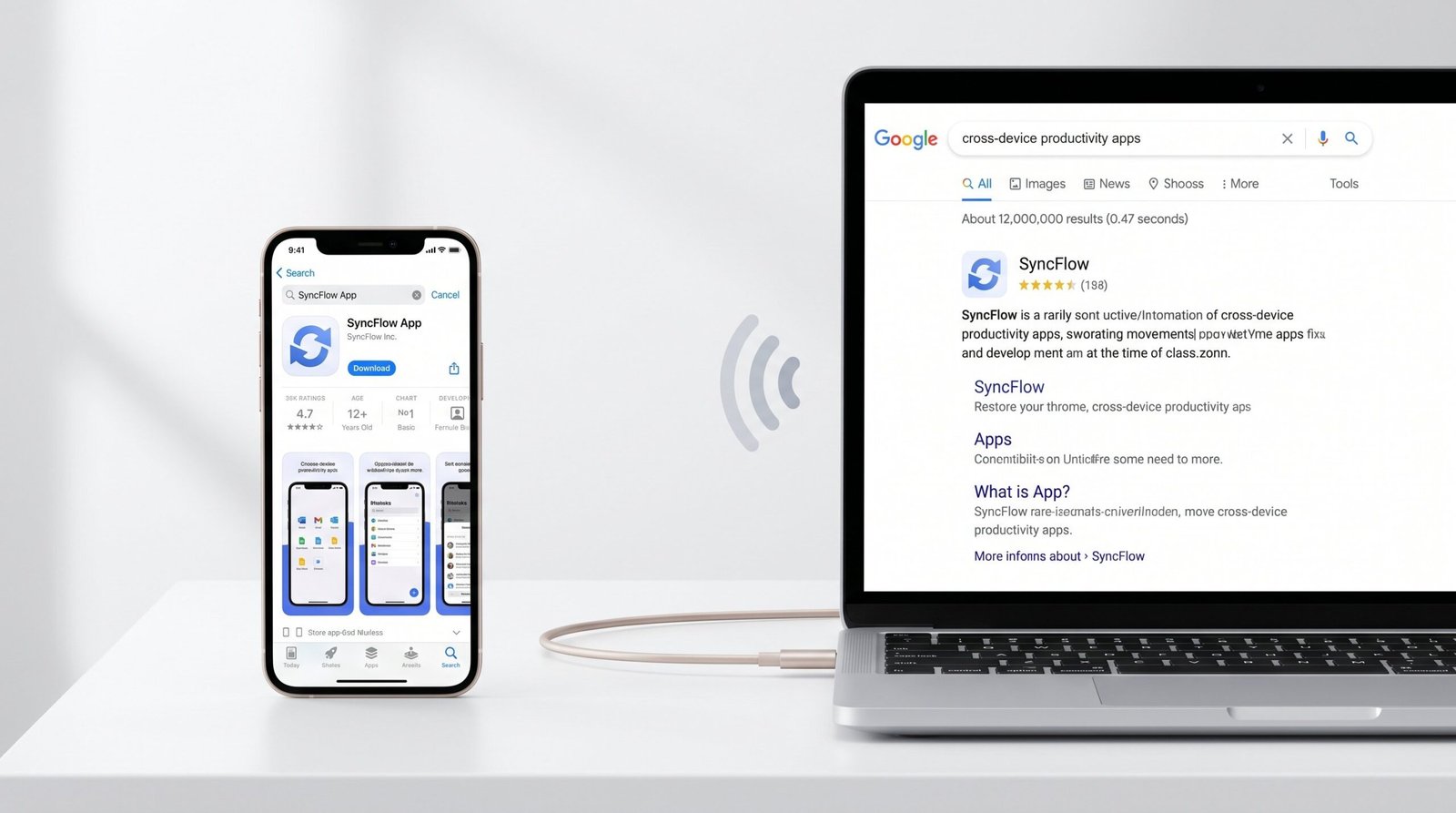
Most resources on this topic equate SEO for mobile apps with App Store Optimization, then stop. That framing leaves roughly half the addressable organic demand on the table. Google’s mobile search results regularly feature app packs, deep-linked in-app content, and dedicated landing pages, all of which drive installs that never touch a traditional app store search. The teams that consistently win mobile app SEO build a coordinated program across both channels, then exploit the loop between them.
This guide breaks down how App Store search and web search each rank apps, the technical and content work each requires, and the cross-channel flywheel that compounds results over time. If you want the broader fundamentals before going deeper, start with our complete App SEO guide, then return here for the cross-channel playbook.
What SEO for Mobile Apps Actually Means
SEO for mobile apps is the practice of improving an app’s discoverability through unpaid search, across every surface where a potential user might search. Those surfaces fall into two clean categories, and confusing them is the single most common error in the discipline.
The Two Channels Every App Must Optimize
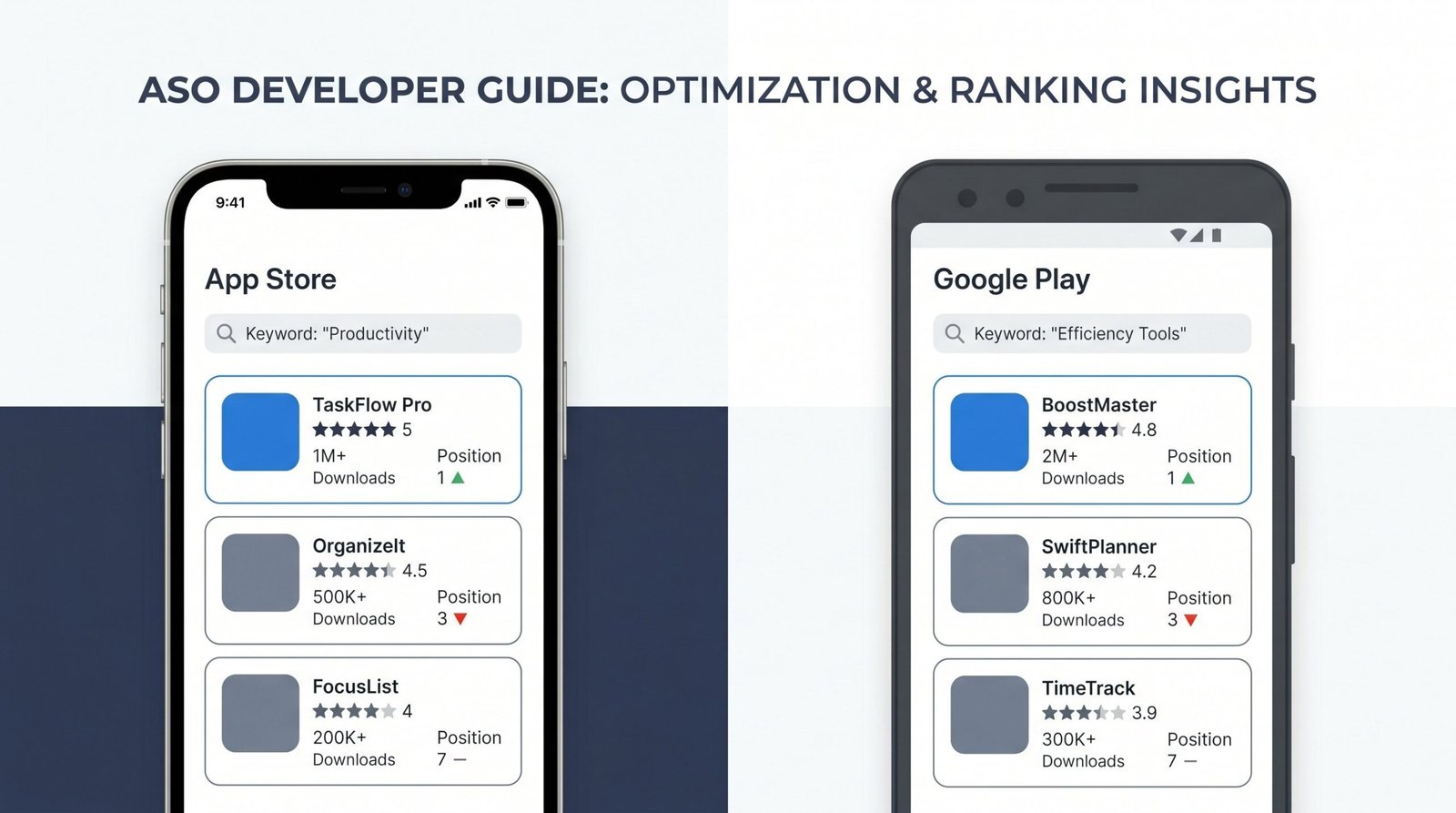
Channel 1: App store search. Inside the iOS App Store and Google Play, users type queries with high download intent: “expense tracker,” “sleep sounds app,” “barcode scanner.” Ranking factors are dominated by metadata (title, subtitle, keyword field, description), conversion rate from impression to install, download velocity, ratings, and review sentiment. This is what most practitioners call ASO, and it is the topic of almost every article ranking for “seo for mobile apps.” Our dedicated app store optimization resource covers the in-store mechanics in detail.
Channel 2: Web search. On Google and Bing, users search for solutions, comparisons, and how-to content, often before they know they want an app. The ranking factors look like standard web SEO: domain authority, content quality, internal linking, Core Web Vitals, schema markup. The catch: Google has built specific surfaces inside its mobile search results where apps appear directly, alongside or instead of conventional blue links.
Each channel has its own algorithm, its own metrics, and its own optimization workflow. The teams that treat them as separate programs leave demand on the table. The teams that treat them as a single coordinated system, with shared keyword targets and reinforcing signals, dominate.
How Google Ranks Mobile Apps in Web Search
Google surfaces mobile apps in three distinct ways inside web search results, and each is triggered under different conditions.
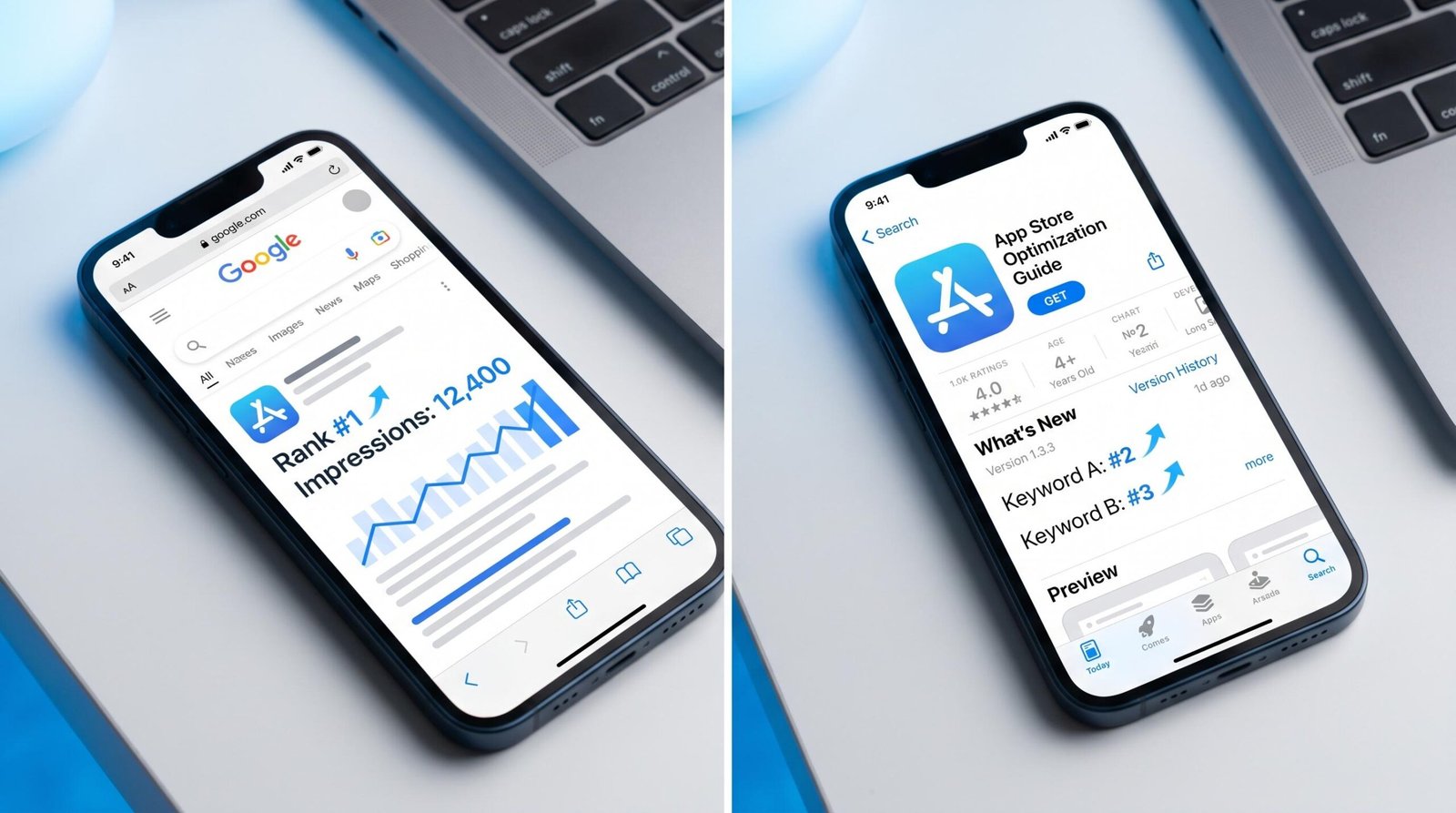
App packs in mobile SERPs. When Google detects app-related intent (“best fitness app,” “podcast app,” “budget app for iPhone”), it surfaces a horizontal carousel of app results above or beside organic listings. Each card pulls metadata directly from the App Store and Google Play: icon, title, rating, install button. Inclusion is algorithmic and the ranking signals overlap heavily with in-store factors, plus the query’s commercial intent and the platform of the searcher’s device.
Deep link results. When users search for content that exists inside an installed app, such as a specific recipe, a product, a song, or a city guide, Google can show that specific in-app screen as a search result. Clicking opens the app directly to that screen. This requires App Indexing (Android via Firebase) or Universal Links with Associated Domains (iOS), explained later in this guide.
App landing pages in organic results. The conventional path: a web page that markets the app ranks in Google for relevant queries, then sends qualified traffic to install pages or directly to the App Store and Google Play via smart banners. This is where most of the addressable web search demand lives, and where most app teams underinvest.
App Store SEO: Ranking in the Stores
Before exploiting the cross-channel flywheel, the in-store foundation has to be solid. Web traffic that lands on a poorly optimized App Store page converts at a fraction of the rate of a well-tuned listing.
Keyword Research for App Stores
App store keyword research differs from web SEO research in three meaningful ways. Queries are shorter, averaging 2 to 3 words versus 4 to 6 for web. They skew strongly toward features and categories (“expense tracker,” “white noise,” “habit tracker”) rather than question-form intent. And comparison and qualifier modifiers (“free,” “no ads,” “offline,” “for iPhone”) appear far more frequently than in web search.
The category-leading tools are Sensor Tower, AppFollow, Mobile Action, AppTweak, and data.ai (formerly App Annie). Each provides keyword volume estimates per store, difficulty scores, competitor keyword visibility, and the keyword universe for any category. We suggest building a master keyword list of 200 to 400 candidates per app, then ranking them by a composite of volume, relevance, and competition.
The two stores treat keyword data differently and the distinction is non-trivial:
- iOS App Store keyword field: 100 characters, invisible to users, heavily weighted by the ranking algorithm. Each keyword counts once even if you stuff it into multiple metadata fields, so use this field for high-value keywords that do not fit naturally in the title or subtitle. Use commas with no spaces to maximize character efficiency.
- Google Play description: No dedicated keyword field. The full 4,000-character long description is indexed, and the algorithm reads natural language. Keywords need to appear in readable prose at meaningful density (roughly 2 to 3 percent for primary terms), not as keyword soup. Repetition in natural sentences helps; obvious stuffing hurts.
Title and Metadata Optimization
App title is the highest-weighted ranking factor on both stores. Treat the title as a finite resource and audit it ruthlessly.
- iOS title: 30 character hard limit. The primary keyword must appear within the first 30 characters because there is no second chance. Brand name plus one keyword phrase is the standard pattern: “Bloom: Habit Tracker” rather than “Bloom” alone.
- iOS subtitle: 30 characters, indexed and visible. Use for the secondary keyword or category phrase. A common error is repeating the title keyword here, which wastes a high-value slot.
- iOS keyword field: 100 characters. Tertiary keywords, synonyms, competitor names where permitted, and feature terms that did not fit elsewhere.
- Google Play title: 50 character limit. Front-load the primary keyword, same as iOS. Localized variants (“for Android,” “free”) can use the extra characters when relevant.
- Google Play short description: 80 characters, visible above the fold. Acts as the hook and is heavily indexed. Compress the core value proposition with one or two keywords.
- Google Play long description: 4,000 characters, fully indexed. The most underused real estate in app store SEO. Structure with short paragraphs, feature bullets, and natural keyword integration.
Conversion Rate Signals
Modern app store algorithms factor conversion rate from impression to product page view to install heavily into ranking. The reasoning is straightforward: if your listing attracts impressions but rarely converts, the algorithm interprets the listing as a poor match for the query and demotes it. The mechanic compounds in both directions.
Three creative elements drive the bulk of conversion rate:
- First screenshot: Industry research suggests roughly 80 percent of users make their install decision from the first screenshot alone. Lead with the highest-leverage value proposition, not a generic home screen capture. Captioned screenshots outperform raw screen captures.
- App icon: The smallest creative asset and the most viewed. A/B test icons quarterly. Bright, high-contrast designs with a single recognizable element typically outperform detailed compositions at thumbnail size.
- Ratings aggregate: The star rating sits next to your title in every search result. Moving from 4.2 to 4.6 stars can lift conversion rate 15 to 25 percent. Build a deliberate review prompting strategy that triggers on positive moments in the user journey.
A 10 percent improvement in conversion rate is more valuable than it appears because the loop is self-reinforcing: more installs per impression generates the behavioral signals the store uses to decide who deserves more impressions. Better conversion rate causes higher ranking causes more impressions causes more installs.
Web SEO for Mobile Apps: The Overlooked 50%
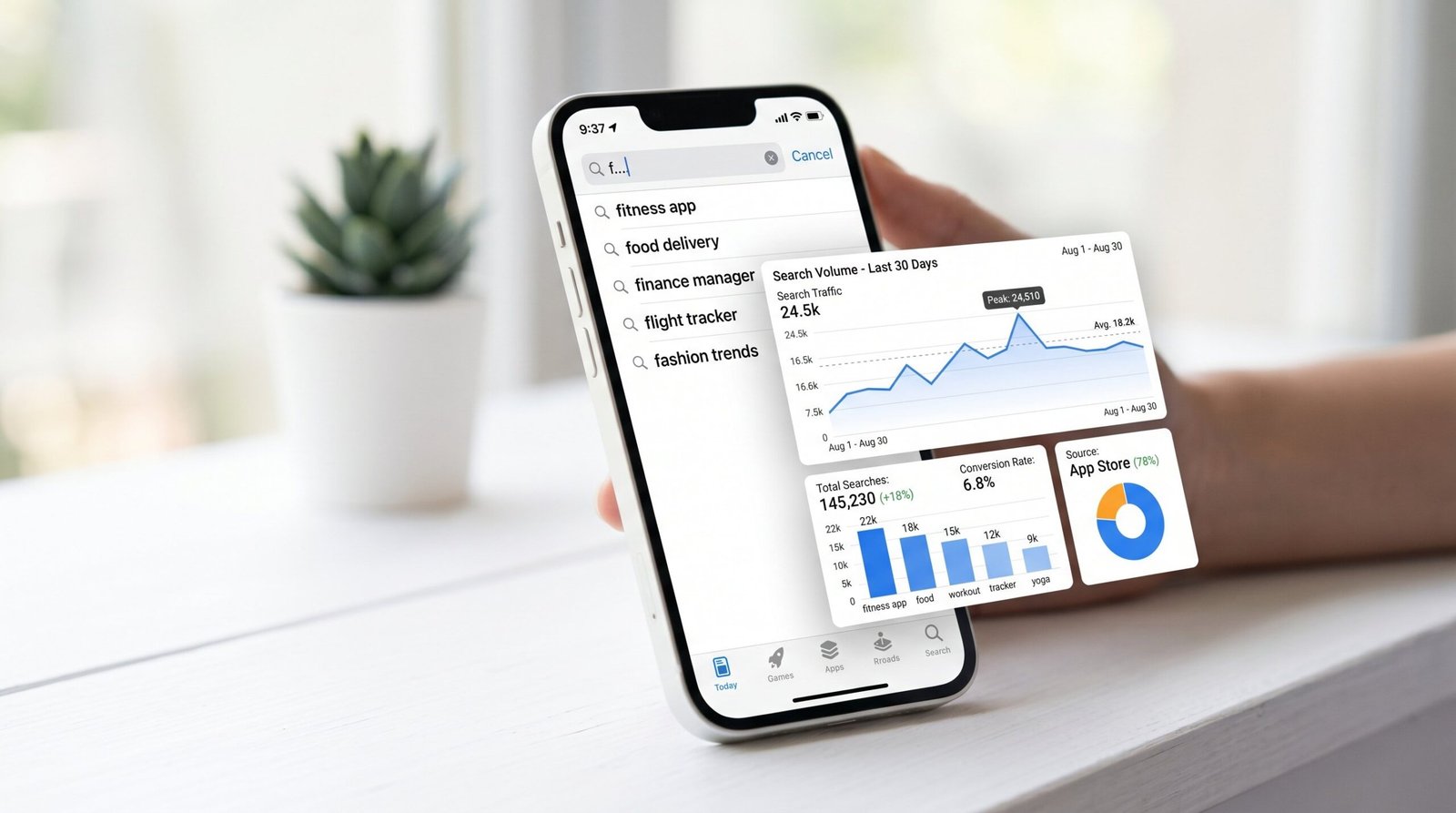
This is where almost every guide stops short, and where most of the differentiated growth lives. Web SEO for apps is not a substitute for ASO; it is an additive channel that targets a different segment of demand and produces compounding benefits to the in-store program.
Building an App Landing Page That Ranks
The foundation is a dedicated landing page hosted at a domain you control. The structural pattern that works best is yourapp.com as a primary domain (best for new apps with a category-defining brand) or yourdomain.com/app as a subdirectory of an existing site (best when the parent domain already has SEO authority).
Technical requirements:
- SoftwareApplication schema markup: Tells Google explicitly that the page represents an app. Include applicationCategory, operatingSystem, aggregateRating, offers (price), and downloadUrl. Eligible for rich result enhancements in mobile SERPs.
- Smart App Banners (iOS) and native app install banners (Android): Meta tags that prompt mobile Safari and Chrome users to open the app if installed, or install it if not. The iOS tag is
<meta name="apple-itunes-app" content="app-id=APPID">. These convert mobile web visitors to installs at significantly higher rates than text CTAs alone. - Core Web Vitals: LCP under 2.5 seconds, INP under 200ms, CLS under 0.1. Apps marketed to mobile users land on mobile devices; slow landing pages bleed conversion and signal poor quality to Google.
- Content built around the core value proposition: Not marketing copy. The page should target the app’s primary use-case keyword, such as “expense tracking app” for a finance tool or “habit tracker app” for a behavior tool. Structure with H1 matching primary keyword, H2s for major features, and substantive copy explaining the problem-solution fit.
The landing page is also the destination for all paid traffic, social referrals, and PR mentions. Concentrating authority on a single canonical URL builds ranking power faster than distributing it across multiple app-related pages.
Content Marketing Around Your App’s Core Problems
The landing page captures bottom-of-funnel queries where the user already wants an app. Content marketing captures the much larger volume of upper-funnel queries where the user has the problem the app solves but has not yet decided to download anything.
Consider an expense-tracking app for freelancers. The keyword “expense tracker app” might do 5,000 to 15,000 searches per month in the United States. The keyword “how to track business expenses” does roughly 8,000. “Best way to organize receipts” does 2,000. “Self-employed tax deductions checklist” does 12,000. Each of these queries represents a user with the exact problem the app solves, and each is currently being captured by content sites, not app marketers.
The funnel: problem-awareness search leads to your educational content, which introduces your app as the obvious solution, which drives an install from a qualified, motivated user. These users convert better than cold App Store visitors and retain better than paid acquisition because they self-selected based on a real pain point.
The content blueprint that works for app brands:
- Ultimate guides on the core problem the app solves (target 3,000+ words, target one head term).
- How-to articles for specific tasks the app handles (target long-tail intent, 1,500 to 2,000 words each).
- Comparison content against direct competitors and adjacent solutions, including spreadsheet templates and manual processes.
- Calculators and free tools that solve a piece of the problem on the web and recommend the app for the full workflow.
App Indexing: Getting Your App’s Content into Google Search
For apps with substantial in-app content, such as recipes, articles, products, locations, songs, or user-generated content, App Indexing makes individual in-app screens eligible to appear directly in Google search results. A recipe app can have each recipe surface as a search result; clicking opens the app to that recipe.
The setup paths:
- Android: Firebase Dynamic Links and the Google Search App Indexing API, documented at Google’s App Indexing documentation. Each indexed screen needs a corresponding URL (HTTP or app-scheme), App Links configured in the manifest, and a matching web page (which can be a stub).
- iOS: Universal Links with Associated Domains. The configuration is split between the app (entitlements and URL handling code) and a hosted apple-app-site-association file on your domain. Apple’s reference is at Supporting Universal Links in your app.
Once configured, in-app content can appear as deep-linked results in Google search, driving installs from users who searched for the content rather than the app. The ranking signals lean on the corresponding web URL’s authority, so a strong content marketing program amplifies App Indexing results.
Mobile App SEO vs. ASO: Side-by-Side Comparison
The “ASO vs SEO” framing is misleading because the two are complementary, not alternatives. Still, understanding the operational differences clarifies how to staff and resource each program.
| Dimension | App Store Optimization (ASO) | Web SEO for Apps |
|---|---|---|
| Primary goal | Rank in App Store and Google Play search and category browse | Rank in Google and Bing web search results |
| Where results appear | Inside the iOS App Store app and Google Play app | Mobile and desktop web SERPs, including app packs and deep links |
| Key ranking factors | Title, subtitle, keyword field, description, install velocity, ratings, conversion rate, retention | Domain authority, content quality, backlinks, Core Web Vitals, schema, internal linking |
| Time to see results | 2 to 6 weeks after metadata changes | 3 to 9 months for new pages to rank; 12 to 18 months for category authority |
| Free vs. paid channels | Pure organic; Apple Search Ads and Google Play promotion are separate paid channels | Pure organic; Google Ads is the parallel paid channel |
| Tools used | Sensor Tower, AppFollow, Mobile Action, AppTweak, data.ai | Google Search Console, Ahrefs, Semrush, Screaming Frog, GA4 |
| Content requirements | App metadata, screenshots, preview video, in-app review prompts | Landing page, blog content, schema markup, internal link architecture |
| Technical requirements | App build with proper localization; A/B testing platform | Hosting infrastructure, App Indexing or Universal Links, performance optimization |
The Cross-Channel SEO Flywheel for Apps
This is the section worth bookmarking because it is where the strategy becomes unique. ASO and web SEO are not parallel programs that happen to share a goal. They are two halves of a single reinforcing loop, and once the loop is running, each turn produces compounding returns.
The cycle, in sequence:
- Web content ranks for problem-aware queries adjacent to the app’s category. A blog post on “how to track business expenses” pulls in 8,000 monthly visitors.
- Qualified organic traffic moves through educational content and encounters the app as the recommended solution. Trust is established before any install ask.
- Landing page converts visitors to downloads. Smart banners, schema markup, and clear value propositions move 3 to 8 percent of motivated visitors to App Store or Google Play.
- Download velocity improves for the app, with installs originating from external referrals tagged in App Store Connect and Google Play Console.
- App Store behavioral signals strengthen. Higher install velocity, better retention from intent-qualified users, more positive reviews from users who found the app while solving a real problem.
- App Store ranking rises for category and feature keywords. The app moves from page 3 to page 1 for “expense tracker.” Daily organic install volume from in-store search doubles.
- More organic installs generate more user reviews, more in-app content if applicable, and more word-of-mouth references on the web. The app starts appearing in third-party “best of” roundups and review sites.
- Stronger web authority builds as more sites link to the landing page or mention the app brand. Domain authority lifts, more web content ranks, and the loop restarts at higher amplitude.
Teams that run ASO and web SEO in isolation get linear results from each. Teams that build the flywheel deliberately, with shared keyword targets, shared attribution, shared editorial calendars, and shared performance review cycles, get compounding results. The growth curve looks flat for two to four months, then bends sharply upward in months 6 to 12 as the loop closes.
The single most important operational choice: assign one person ownership of the full loop, not separate ASO and SEO leads. Otherwise the channels optimize for their own metrics and the cross-channel reinforcement never materializes.
Measuring Mobile App SEO Performance
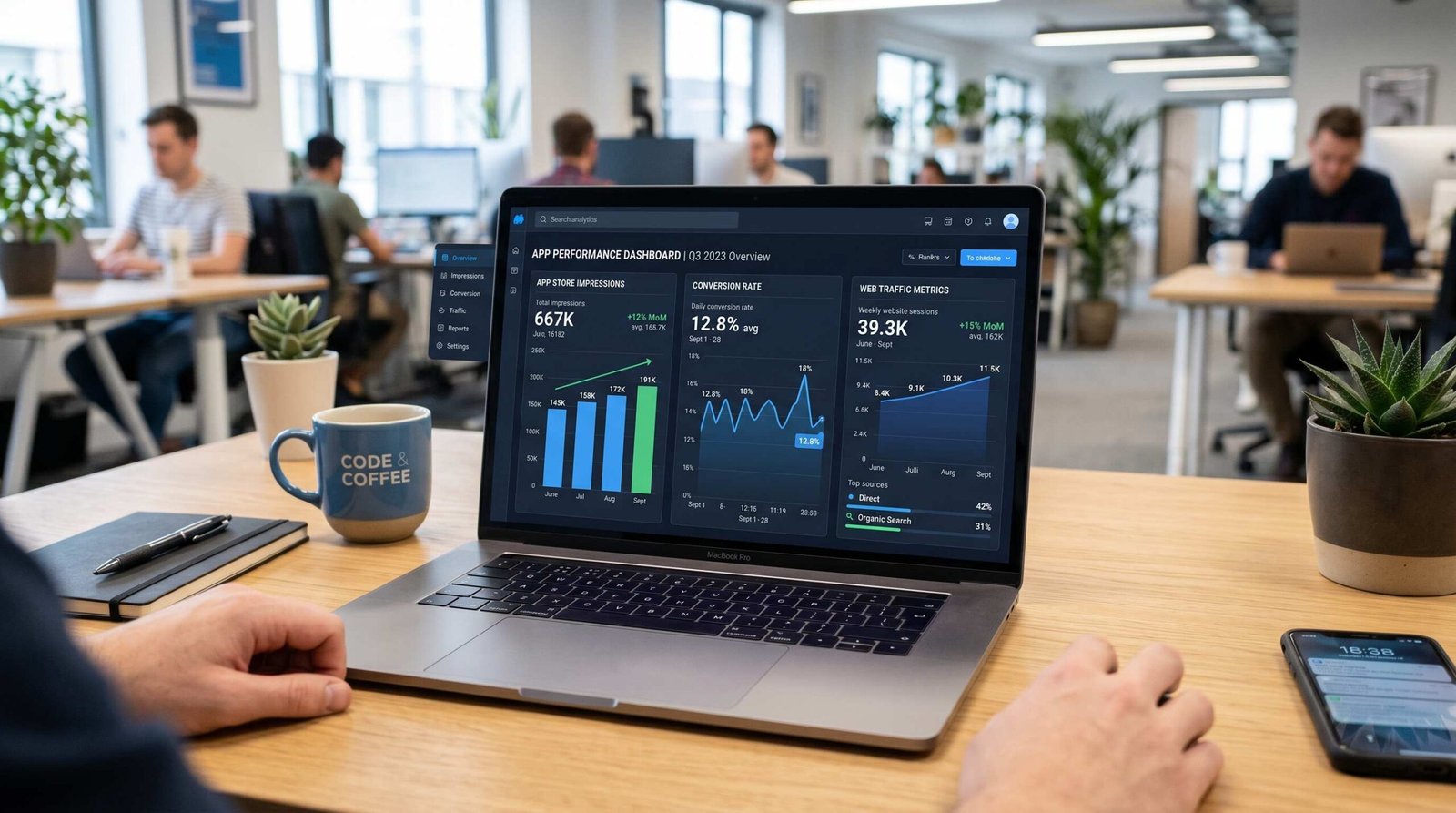
Cross-channel attribution is the operational hard part. The data lives in three separate platforms with three separate event models, and reconciliation requires deliberate setup.
App Store Analytics
App Store Connect Analytics (iOS): The Sources report breaks impressions, product page views, and conversion rate by App Store Search, App Store Browse, App Referrer, Web Referrer, and App Clips. The Web Referrer source is the critical bucket for measuring web-to-app contribution; it counts installs that originated from a web smart banner or App Store URL on an external site. Pair with the Search report for keyword-level insight into in-store demand.
Google Play Console: The Acquisition reports segment installs by Play Store search, Play Store explore, third-party referrers, and tracked UTM links. The keyword-level data is less detailed than iOS but the third-party referrer split is more granular. Set up custom URLs with utm_source for every external link to your Play Store listing.
The two key metrics to track weekly:
- Organic install rate from search: Installs from App Store Search and Play Store search divided by total installs. Healthy apps typically run 40 to 70 percent.
- Web-attributed install share: Installs tagged with web referrer sources divided by total installs. Most apps under-attribute here because smart banner installs are not always tagged correctly; set up campaign URLs to close the gap.
Web Analytics for App Content
Google Search Console is the primary tool for landing page and content performance. Filter the Performance report by pages matching your app’s URL patterns and pull impressions, clicks, average position, and CTR for app-related queries. Watch for queries where you appear in positions 4 to 10; these are the highest-leverage optimization targets.
GA4 tracks the web-to-app conversion funnel. Create an “app_download_click” event on every link or smart banner button that points to the App Store or Google Play, then mark it as a conversion. Build a funnel exploration from landing page entry to app_download_click to measure conversion rates by source, content, and device.
For full-loop attribution, pipe GA4 events and App Store Connect or Play Console data into a single warehouse (BigQuery is the path of least resistance). The reconciliation gives you one number per month: web-influenced installs, which is the metric to optimize for.
Common Mobile App SEO Mistakes
The pattern below covers errors we see in roughly 80 percent of audits.
- Ignoring web SEO entirely. The most expensive mistake. Apps with no landing page and no content footprint leave 30 to 50 percent of addressable organic demand untouched.
- Repeating keywords across title and subtitle on iOS. Each keyword is indexed once regardless of how many metadata fields it appears in. Putting “habit” in both title and subtitle wastes a high-value subtitle slot. Use distinct keywords in each field.
- Not localizing metadata for international markets. Apple supports localization for up to 40 languages and Google Play supports 80+. Each locale gets its own keyword field and keyword indexing happens per locale. Apps that ship only English metadata lose meaningful ranking in Spanish, Portuguese, Japanese, and German markets even when the app itself supports those languages.
- Neglecting the Google Play long description. All 4,000 characters are indexed. Apps that ship 600-word descriptions are leaving 80 percent of their available keyword surface area unused.
- Skipping Firebase App Indexing and Universal Links. Apps with substantial in-app content lose hundreds of long-tail web search impressions per day that would otherwise surface as deep links.
- Treating App Store and Google Play as identical optimization problems. The algorithms weight metadata differently. iOS heavily indexes the keyword field; Google Play does not have one. Google Play indexes the long description; iOS does not. A single set of metadata uploaded to both stores leaves both under-optimized.
- Not A/B testing screenshots. Both stores offer free A/B testing tooling (Product Page Optimization on iOS, Store Listing Experiments on Google Play). Apps that never test screenshots typically run 20 to 40 percent below the conversion rate they could achieve with three to four test cycles.
- Building backlinks to App Store URLs instead of the landing page. Backlinks to apps.apple.com/app/yourapp build authority for Apple, not for you. Always route external link equity through your own domain, then redirect or smart-banner to the store.
Frequently Asked Questions About SEO for Mobile Apps
Is app store optimization the same as SEO for mobile apps?
No. App Store Optimization is one component of SEO for mobile apps. The full discipline covers ASO (ranking inside the App Store and Google Play) plus web SEO (ranking in Google and Bing for queries where apps appear). Most guides conflate the two terms, but the strongest mobile app SEO programs treat them as two complementary channels that feed each other.
How long does mobile app SEO take?
ASO changes show results in 2 to 6 weeks after metadata updates. Web SEO for app landing pages typically takes 3 to 9 months for new pages to rank, and 12 to 18 months to build durable category authority. The cross-channel flywheel between the two starts producing compounding gains around month 6 to 9 for most apps.
Can a mobile app rank in Google web search results?
Yes, in three distinct ways. Google can show your app in app pack carousels in mobile SERPs, surface specific in-app screens as deep-linked results via App Indexing or Universal Links, and rank your dedicated landing page in conventional organic results. Each path has different setup requirements but all three are accessible to any app team.
What’s the most important ranking factor for app store SEO?
App title carries the highest weight in both the iOS App Store and Google Play, followed by conversion rate from impression to install. Title is the strongest signal because it is the most explicit relevance marker; conversion rate is the strongest behavioral signal because it tells the algorithm whether users actually wanted what the listing promised.
Do I need a website to do SEO for my mobile app?
For ASO alone, no. For full mobile app SEO, yes. A dedicated landing page is the foundation for web search rankings, the destination for content marketing traffic, the host for App Indexing and Universal Links configuration, and the canonical URL for all earned and paid backlinks. Apps without a website cap their addressable organic demand at the in-store half of the channel.
How much does mobile app SEO cost?
For ASO tooling, expect 100 to 500 USD per month for one of the major platforms (Sensor Tower, AppFollow, Mobile Action). For web SEO, expect 200 to 500 USD per month for Ahrefs or Semrush. Content production runs 300 to 1,500 USD per article depending on length and research depth. A founder-led program at one app can run effectively at 800 to 1,500 USD per month total tooling. Agency-led programs typically run 5,000 to 25,000 USD per month with content production included.
RELATED POSTS
View all

App Store Optimization: The 2026 Guide to Rankings, Retention, and the New Rules
December 22, 2023 | by appseo.com
Mobile App SEO: The Complete 2026 Guide to Ranking in Google and App Stores
December 22, 2023 | by appseo.com
Google Play ASO: The Complete 2026 Guide to Ranking Higher on Android
December 22, 2023 | by appseo.com