Mobile App SEO: The Complete 2026 Guide to Ranking in Google and App Stores
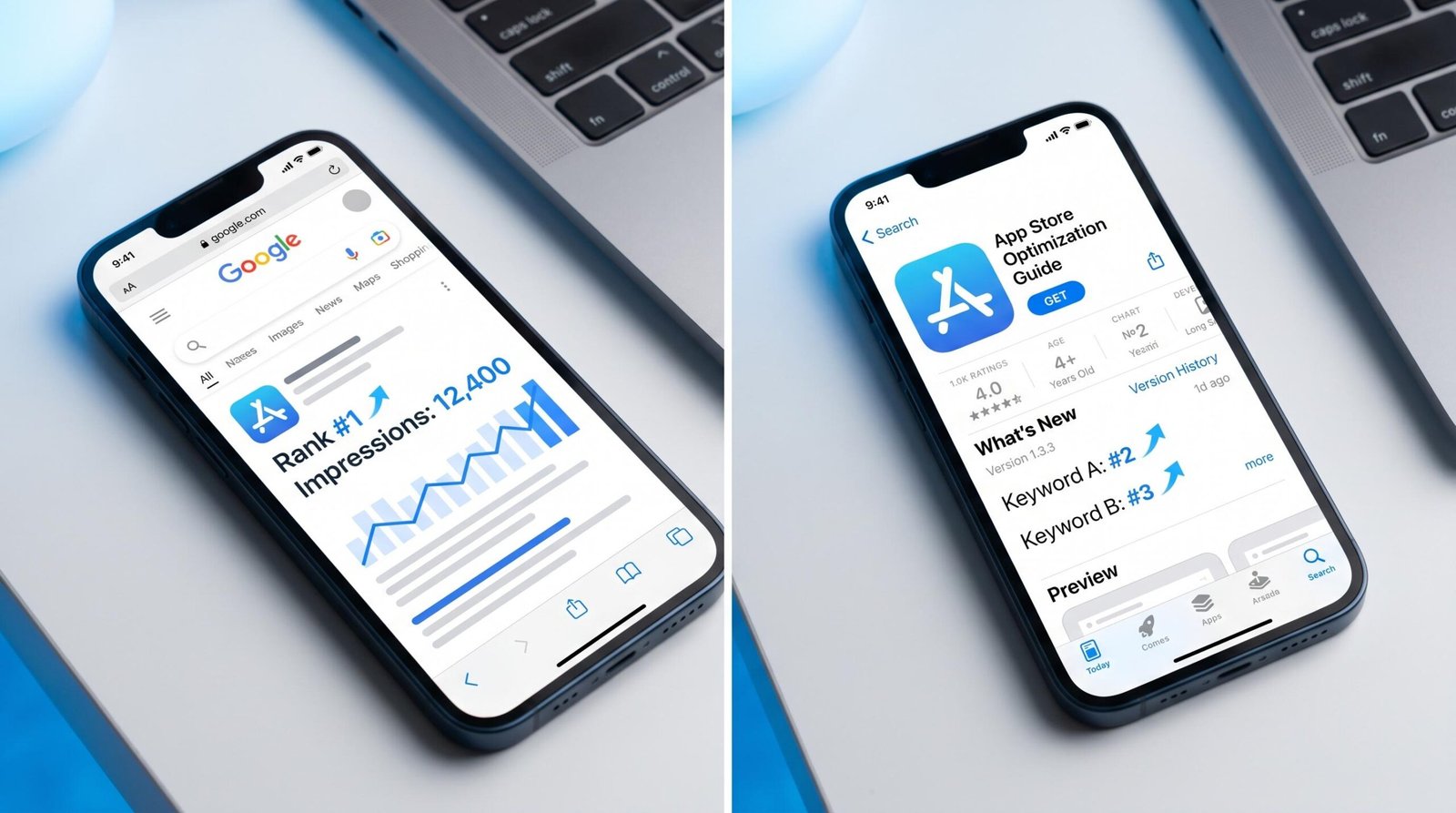
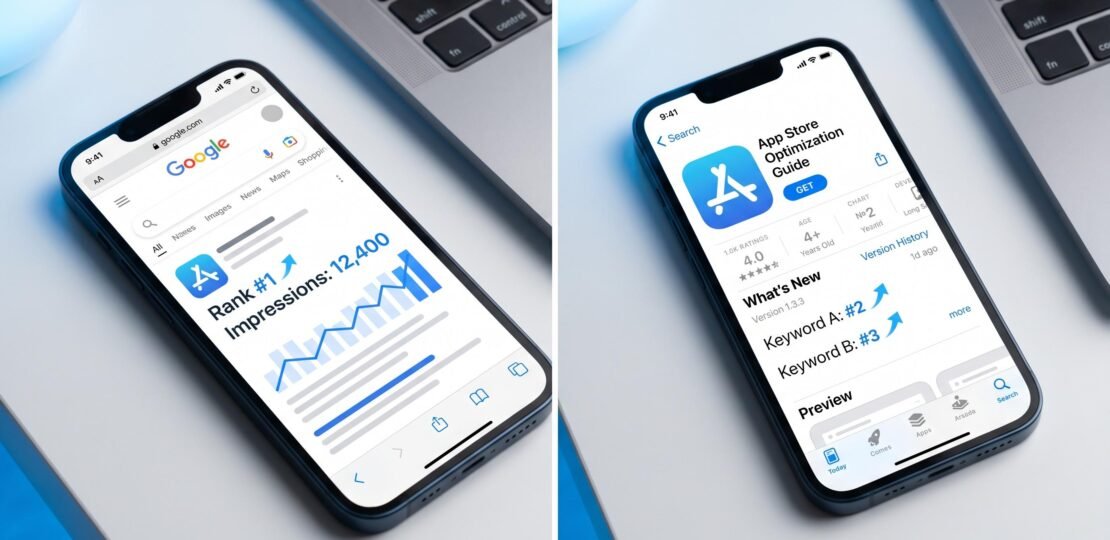
Mobile app SEO combines two disciplines: optimizing your app’s web presence, landing pages, deep links, and backlinks, to rank in Google search results, and App Store Optimization (ASO) to rank within the Apple App Store and Google Play Store. Both channels drive organic discovery; the difference is which search engine you’re targeting.
If you’ve ever wondered why some apps appear at the top of Google when you search for “best meditation app” while others, often with better functionality, never show up at all, the answer comes down to mobile app SEO. The discipline has evolved significantly since 2019, when Google deprecated Firebase App Indexing and shifted toward deep links and structured data. Today, ranking a mobile app means juggling two parallel search ecosystems with different rules, different signals, and different analytics.
This guide walks through both layers in depth, from setting up Apple Universal Links to writing a SoftwareApplication schema block that Google can parse. Whether you’re a developer launching your first app or a marketer trying to figure out why your app’s landing page sits at position 35, you’ll find concrete steps you can apply this week. For a broader strategic view, we also publish a complete cross-channel mobile app SEO strategy that pairs well with the tactical advice below.
What Is Mobile App SEO? (And Why It’s Different From Regular SEO)
Mobile app SEO is the practice of making your app discoverable through search, both in Google and inside app stores. It sits at the intersection of two fields that used to be treated as separate: traditional web SEO, which optimizes pages for Google and Bing, and ASO, which optimizes app store listings for the Apple App Store and Google Play Store.
The reason these channels need to be considered together in 2026 is that users discover apps through both. Someone searching “habit tracker app” on their phone might tap a Google result, a Google Play featured app, or an app store search suggestion, sometimes all three in the same session. Your job is to be present in every one of those moments.
The competitive landscape has also shifted because of Google AI Overviews, which launched broadly in 2024 and now appear on a significant share of informational queries. AI Overviews compress organic click-through rates on questions like “how does intermittent fasting work,” but they appear far less frequently on app-specific intent queries like “best intermittent fasting app.” That gap is the opportunity. App-related queries still produce traditional ten-blue-links results in most cases, which means an app landing page that ranks on page one still earns real, measurable clicks.
For a foundational explainer that pairs with this article, see our comprehensive guide to app SEO, which covers the principles in more general terms. The rest of this article goes deeper on tactics specific to mobile apps.
Mobile App SEO vs. App Store Optimization (ASO): Key Differences
Web SEO and ASO share vocabulary, both talk about keywords, rankings, and impressions, but they’re built on different mechanics. Understanding where they diverge prevents you from applying the wrong playbook to the wrong channel.
| Aspect | Web SEO | ASO |
|---|---|---|
| Search engine | Google, Bing | Apple App Store, Google Play Store |
| Key ranking factors | Backlinks, content quality, Core Web Vitals, schema, E-E-A-T | Keyword placement, downloads, ratings, conversion rate, retention |
| Primary tools | Google Search Console, Ahrefs, Semrush, Screaming Frog | AppFollow, Sensor Tower, data.ai, AppTweak, App Store Connect |
| Content format | Long-form articles, landing pages, blog posts | Title, subtitle, description, screenshots, preview video |
| Analytics platform | Google Analytics 4, GSC | App Store Connect, Google Play Console |
| Timeline to results | 3 to 9 months | 2 to 8 weeks (faster algorithm updates) |
The takeaway: ASO rewards iteration speed. You can ship a new screenshot set, see conversion lift within a week, and double down. Web SEO rewards patience and depth, where a well-researched 4,000-word guide can climb steadily for six months before peaking. Most successful app teams run both motions in parallel, with different people owning each.
How Google Discovers and Indexes Mobile Apps
Google’s approach to mobile apps has been rebuilt twice in the last decade. The current model relies on three pillars: deep links, app landing pages with structured data, and lightweight app experiences like App Clips and Google Play Instant.
Deep Linking: The Foundation
A deep link is a URL that opens a specific screen inside your app rather than the home screen. When you tap a search result that opens straight to a product page inside the Amazon app, that’s a deep link in action. Google uses deep links to understand which app screens correspond to which web URLs, which is how an app result gets surfaced for the right query.
On Android, this is implemented through Android App Links, which use HTTPS URLs that are verified via a Digital Asset Links file hosted on your domain. Once verified, Android knows that tapping a link to yourdomain.com/product/123 should open your app, not Chrome. Apple’s equivalent, Universal Links, works on the same principle: an apple-app-site-association file at your domain root tells iOS which URLs your app handles. Both systems require server-side configuration as well as app-side code. Google’s App Links implementation guide walks through the Android setup in detail, including the asset verification step that trips up most first-time implementers.
App Clips and Google Play Instant
App Clips are a slice of your iOS app, typically under 10 MB, that users can launch without installing the full app. They appear in Safari, Messages, and crucially in Google search results when a relevant query matches. A coffee shop’s App Clip might let someone order ahead by tapping a search result, without ever visiting the App Store. Apple’s App Clips documentation covers the configuration and the App Clip experience metadata that makes them discoverable.
Google Play Instant is the Android equivalent. Instant apps are indexed by Google and can appear in search results with a “Try Now” button, giving users immediate access without an install commitment. Both formats matter for SEO because they reduce the friction between a search query and a meaningful app interaction, which Google rewards with better visibility. The full app experience documentation lives at developer.android.com/topic/google-play-instant.
What Happened to Firebase App Indexing
If you find older tutorials referencing Firebase App Indexing, ignore them. Google deprecated the service in 2019 and fully shut it down. The reason is worth understanding: Firebase App Indexing relied on apps sending content updates to Google through a dedicated SDK. Maintenance overhead was high, adoption was uneven, and Google found that the same indexing outcomes could be achieved through deep links plus high-quality app landing pages with proper schema markup.
The replacement model is simpler. You publish an app landing page on the open web, mark it up with SoftwareApplication schema, and configure deep links between that page and the corresponding screen in your app. Google’s crawler picks up the page through normal web discovery, the schema tells it the page describes an app, and the deep link tells it where to send mobile users who already have the app installed. No SDK, no separate indexing flow.
App Indexing Through Google Search Console
You don’t register your app with Google Search Console directly. You register the domain that hosts your app landing page. Once verified, the Performance report tracks impressions and clicks for every URL on that domain, including any pages that target app-related keywords. The Coverage report flags indexing issues, such as a landing page being excluded due to a robots directive or a canonical pointing somewhere unexpected. We’ll get deeper into specific reports later in this guide.
Optimizing Your App’s Web Presence for SEO
Your app’s website is the front door for Google traffic. Even if your end goal is downloads, your landing page is what Google sees and ranks. Treat it like any other piece of SEO real estate.
App Landing Page Optimization
Start with the basics every SEO checklist mentions but apps frequently get wrong. Your title tag should include your app name and a primary descriptive keyword, kept under 60 characters. Something like “Calmly: Sleep Meditation App for iOS and Android” works better than “Calmly | Welcome.” Meta descriptions get 155 characters to summarize what the app does and who it’s for, with a clear value proposition that earns the click.
Core Web Vitals matter more than they used to. Largest Contentful Paint should be under 2.5 seconds, Interaction to Next Paint under 200 milliseconds, and Cumulative Layout Shift below 0.1. App landing pages tend to fail on LCP because they’re heavy with hero videos, animated screenshots, and embedded App Store badges that load slow. Compress images, lazy-load below-the-fold media, and consider serving static screenshots as your above-the-fold content with autoplay video as an enhancement.
Mobile-first indexing means Google ranks based on the mobile version of your page, not desktop. Since most people searching for apps are already on phones, this aligns nicely with user behavior, but it does mean you can’t hide critical content behind “view more” toggles or rely on hover states for important information. Everything Google needs to understand and rank the page must be present in the mobile rendering.
SoftwareApplication Schema Markup
This is the single most underused tactic in mobile app SEO, and the one that competitors writing on this topic almost never mention. SoftwareApplication is a Schema.org type that tells Google your page describes an app rather than a generic product or service. Adding it correctly can earn you rich results, including star ratings, price, and platform badges directly in search.
Here’s a complete JSON-LD block you can adapt for an iOS app:
<script type="application/ld+json">
{
  "@context": "https://schema.org",
  "@type": "SoftwareApplication",
  "name": "Calmly",
  "operatingSystem": "iOS 16.0 or later",
  "applicationCategory": "HealthApplication",
  "offers": {
    "@type": "Offer",
    "price": "0",
    "priceCurrency": "USD"
  },
  "aggregateRating": {
    "@type": "AggregateRating",
    "ratingValue": "4.7",
    "ratingCount": "12483"
  }
}
</script>
The key properties are worth understanding individually. The @type tells Google this is an application. The operatingSystem property accepts strings like “iOS,” “Android,” “Windows,” or specific versions. The applicationCategory uses Schema.org’s controlled vocabulary, options include GameApplication, HealthApplication, FinanceApplication, and many more, which helps Google match your app to the right query intent. The offers block describes pricing, where price “0” signals a free app. The aggregateRating block produces those star ratings you see in search snippets, but only if the underlying numbers reflect real reviews you can substantiate.
The full property reference, including more advanced features like screenshot URLs and download size, is in Google’s SoftwareApplication schema documentation. After implementing, validate using Google’s Rich Results Test to confirm the markup is parseable before it goes live.
Building Backlinks for App Promotion
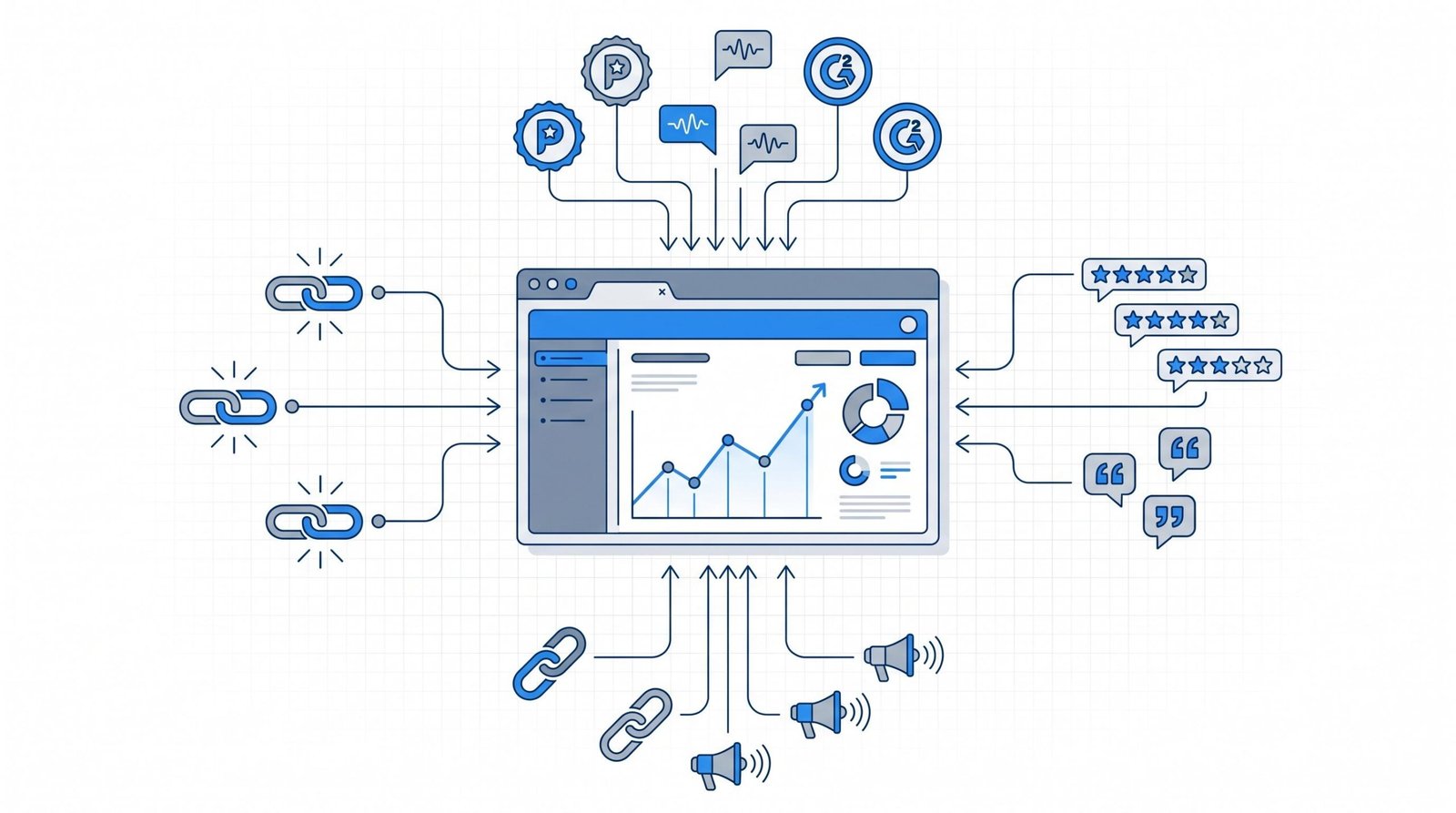
Backlinks remain a ranking signal that web SEO depends on. For app landing pages, the most productive sources are app review blogs (TechCrunch, The Verge, 9to5Mac, Android Authority), category-specific review sites (App Advice for utilities, Pocket Gamer for games, Tom’s Guide for productivity), Product Hunt for new launches, and GitHub for open-source apps where your repository’s README can earn organic links from developer blogs.
Directory listings still help, particularly for niche categories. SaaS apps benefit from G2, Capterra, and Software Advice. Mobile-first apps benefit from AlternativeTo and Slant. The trick is to treat these as actual marketing channels: a complete profile with screenshots, accurate descriptions, and prompt response to reviews outperforms a thin listing every time.
Press coverage during launch tends to produce a backlink spike that decays over a few months, then settles into a smaller ongoing baseline as the original articles continue to be cited. For sustained link growth, consider publishing original research, such as anonymized usage data from your app, that journalists and bloggers want to reference. A meditation app publishing data on stress patterns across time zones will earn more durable links than the same app sending generic launch press releases.
App Store Optimization (ASO) Fundamentals
ASO operates on different machinery from Google, with its own keyword fields, ranking signals, and feedback loops. Understanding the architecture lets you avoid the common mistake of applying web SEO tactics where they don’t fit.
Keyword Research for App Stores (Different From Google)
App store keyword research is more constrained and more competitive than web research. On the Apple App Store, you get a dedicated 100-character keywords field that’s hidden from users but visible to the search algorithm. On Google Play, there’s no dedicated field, so your description carries the load.
Character limits force you to be ruthless about word choice. Apple’s keywords field doesn’t allow phrases, just comma-separated words, and the algorithm automatically combines them. If you list “meditation, sleep, anxiety, mindfulness,” your app becomes eligible for “sleep meditation,” “anxiety mindfulness,” and other permutations without you spending a character on the connector. Don’t waste space repeating words that already appear in your title or subtitle, since they’re already indexed.
App store algorithms also have a concept of burst ranking that doesn’t exist in web SEO. A sudden spike in downloads, triggered by a press placement or social moment, can push you up the rankings for a short window even before the algorithm settles. Sustained ranking, on the other hand, depends on long-term metrics like retention and rating consistency.
Optimizing Your App Title, Subtitle, and Description
On the Apple App Store, your app title is capped at 30 characters and your subtitle at another 30 characters. Both are indexed, but the title carries the most weight. The keywords field gives you 100 more characters. On Google Play, the title runs up to 50 characters, the short description gets 80 characters, and the long description allows up to 4,000 characters with full indexing.
The structure that consistently wins for Apple is “Brand Name: Primary Keyword” in the title, followed by a benefit-focused subtitle that uses a secondary keyword. “Calmly: Sleep Meditation” as a title, with a subtitle like “Better Sleep, Less Anxiety” hits the brand, the category, and emotional outcomes in 56 characters total. The hidden keywords field can then carry related terms: “relaxation, breathing, focus, calm, mindfulness.”
For Google Play, the long description acts more like a web page. Use your most important keywords two to four times naturally, structure with paragraphs or short bulleted sections, and include calls to action. Avoid keyword stuffing, since Google Play’s algorithm penalizes obvious repetition just like Google search does.
Screenshots, Preview Videos, and Icon Optimization
Visual assets don’t affect keyword ranking directly, but they massively affect conversion rate, which feeds back into ranking. An app that ranks 15th for a keyword but converts impressions to downloads at 12 percent will often outrank an app sitting at position 8 with a 3 percent conversion rate, because the algorithms reward stores that maximize successful downloads.
The first two screenshots matter most, since they’re what users see before scrolling. Lead with a screenshot that conveys the core value proposition visually, often with a text overlay highlighting a single benefit, then follow with feature-focused screens. Preview videos increase install rates by 15 to 30 percent on average but only if the first three seconds make the value clear, since most users won’t watch beyond that.
Icon design is more strategic than aesthetic. Test variants using App Store Connect’s product page optimization or Google Play’s experiments feature. Subtle changes, a brighter background, a clearer focal point, can move conversion rate by several percentage points.
Rating and Review Strategy
Ratings affect ranking, and they affect conversion. An app with 4.6 stars from 10,000 reviews converts dramatically better than one with 3.9 stars from the same volume, even if both rank at the same position. The simplest way to improve average rating is to request reviews at the right moment, after a clear value event in the app, not on first launch.
Apple’s SKStoreReviewController limits requests to three per year per user, which is actually a useful constraint because it forces you to ask at high-quality moments. Google Play’s in-app review API works similarly. Negative reviews should be answered publicly, ideally within 48 hours, since visible responses signal to other users that the team is engaged and can sometimes prompt the original reviewer to update their rating.
How to Analyze Your Mobile App SEO Performance
This is where most teams stall. They publish an app landing page, set up an App Store Connect listing, and then check rankings every few weeks without any real diagnostic process. Effective analysis means knowing exactly which report answers which question, and acting on the data.
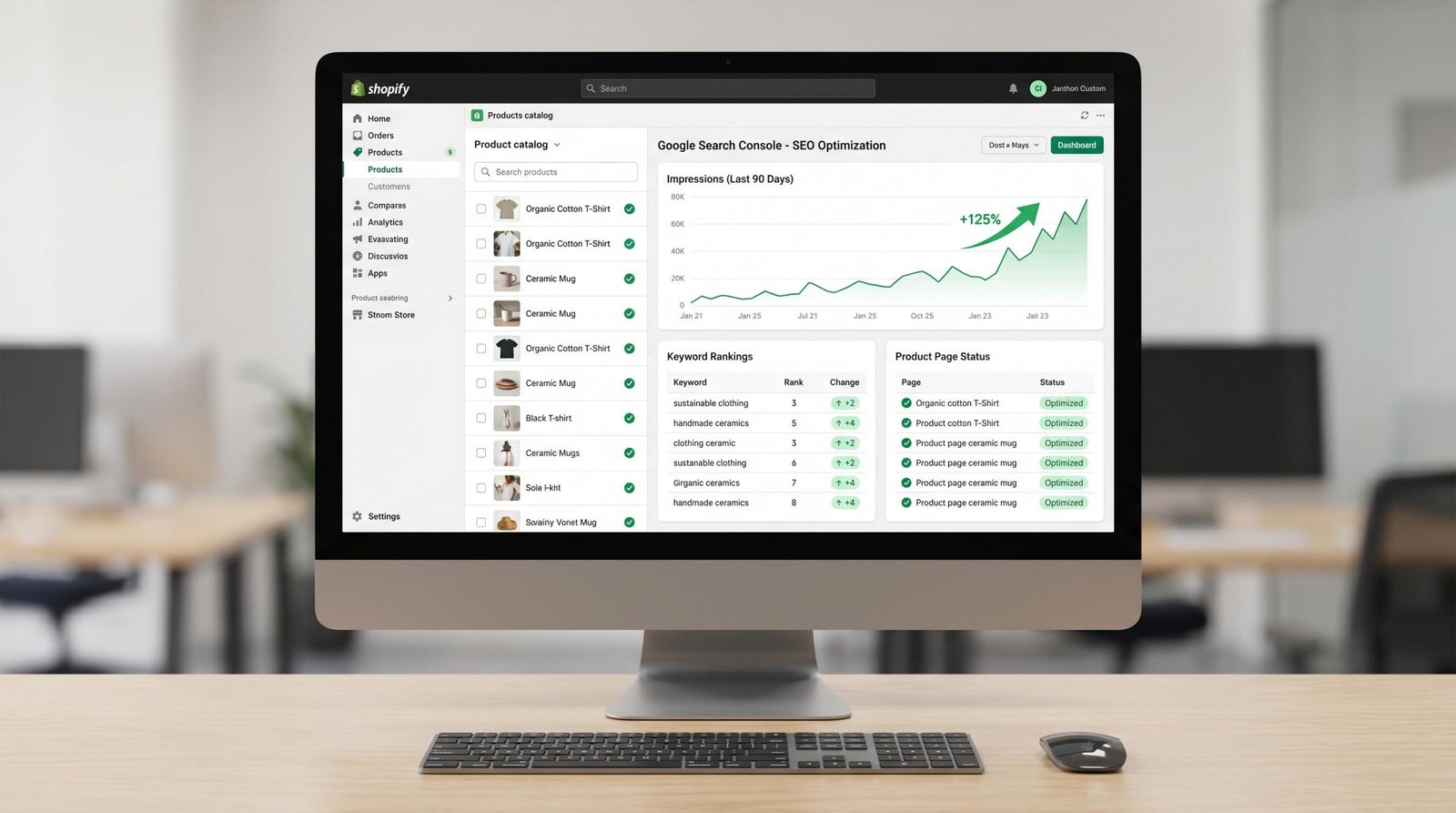
Using Google Search Console for Mobile App SEO
Search Console is the most valuable free SEO tool for any app landing page. Setup takes a few minutes: add your property using the domain method, verify ownership through DNS, and let Google start collecting data. Within 48 hours you’ll see your first impressions and clicks.
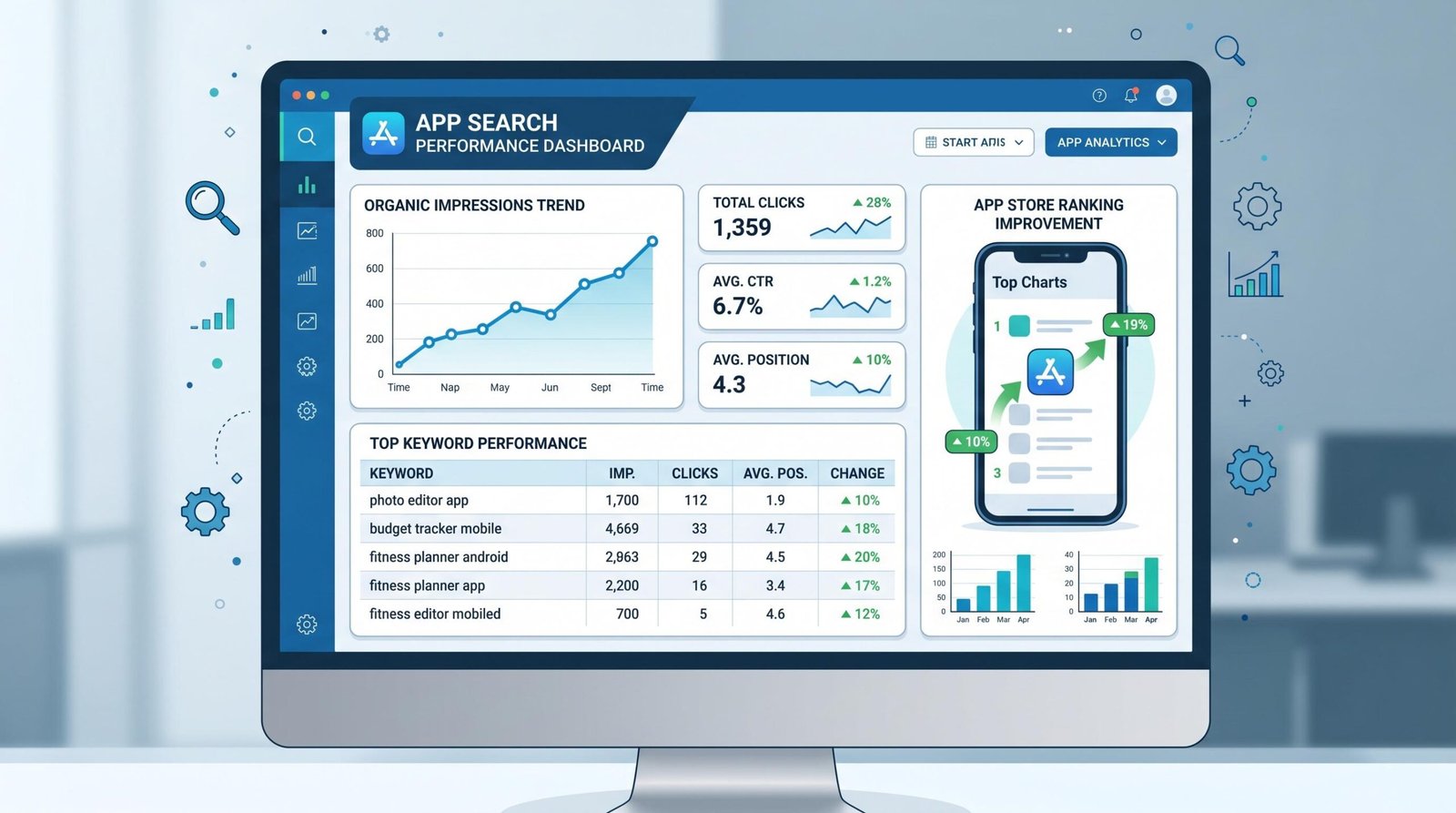
The Performance report is where you spend most of your time. Filter the report by Pages to isolate your app landing page, then look at impressions, clicks, average position, and click-through rate per query. The queries column tells you exactly what people typed before seeing your page, which is often different from what you targeted.
The Coverage report (now called Pages in newer versions) shows which URLs are indexed and which aren’t. If your app landing page appears in the “Excluded” list, click through to see why. Common causes are accidental noindex tags, canonical URLs pointing elsewhere, or robots.txt rules blocking the crawl. Fix the underlying issue, then request reindexing using the URL inspection tool.
The patterns to watch for are specific. Impressions climbing while average position stays above 30 usually signals a content quality issue: Google sees the page as relevant enough to test, but not strong enough to promote. The fix is to expand the page with more depth, add missing schema, and earn a few quality backlinks. A page sitting at average position 4 to 12 is a different problem entirely; that’s the featured snippet zone, and the optimization play is to add a 40 to 60 word direct answer block near the top of the page, format key content as lists or tables, and use a question as a section heading. Our piece on practical mobile app SEO tips covers more featured snippet specifics if you want to go deeper on that play.
ASO Analytics Tools
The free analytics from App Store Connect and Google Play Console cover the basics: impressions, downloads, conversion rate, ratings. For competitive intelligence, keyword tracking, and visibility scoring, you’ll need a paid tool.
| Tool | Platform | Key feature | Free tier? |
|---|---|---|---|
| AppFollow | iOS, Android | Review monitoring and competitor tracking | Limited free |
| SplitMetrics Acquire | iOS, Android | Apple Search Ads and ASO combined | No |
| data.ai (App Annie) | iOS, Android | Market intelligence and download estimates | Limited free |
| Sensor Tower | iOS, Android | Keyword research and competitor downloads | Limited free |
| AppTweak | iOS, Android | Keyword difficulty and ASO scoring | Free trial only |
For most small teams, AppFollow or AppTweak is a strong starting point because they balance keyword research with review monitoring. Larger teams running paid acquisition alongside organic often choose Sensor Tower or data.ai for the broader market intelligence.
Key Metrics to Track
The metrics worth measuring fall into three groups. On the web SEO side, track organic sessions to your app landing page (in GA4), Google rankings by keyword cluster (in Ahrefs, Semrush, or directly in GSC), and click-through rate split between branded queries (people typing your app name) and non-branded queries (people typing the category). High branded CTR is mostly a function of brand strength; high non-branded CTR is where SEO improvements show up first.
On the ASO side, track keyword position for your priority terms, conversion rate from store listing impressions to downloads, and ratings velocity, meaning how many new ratings you collect per week. A flat or declining ratings velocity is often the leading indicator of a problem before average rating drops.
Combined metrics matter because they capture the handoff. App store analytics show how much referral traffic came from Google, distinguishing web search traffic from app store search traffic. If you’re investing in web SEO and seeing app store referral traffic from Google climb in App Store Connect’s Sources report, you have direct evidence that the channel is working.
Diagnosing Common Mobile App SEO Problems
| Problem | Likely cause | Fix |
|---|---|---|
| No impressions in GSC | Not indexed or thin landing page | Fix meta tags, add SoftwareApplication schema, expand content past 800 words |
| Impressions but position above 40 | Weak content vs. competitors | Refresh content with a distinctive angle, add original data or screenshots |
| Position 10 to 20 stuck | Missing featured snippet optimization | Add a 40 to 60 word answer block, use question-format headings |
| ASO keywords not ranking | Wrong field placement | Move high-value terms into title or subtitle, where weighting is heaviest |
| High impressions, low downloads | Conversion rate problem, not visibility | Test screenshot order, rewrite subtitle, add preview video |
| Sudden ranking drop | Algorithm update or new competitor | Check date alignment with known Google or Apple updates, audit competitor changes |
The diagnostic flow is always the same: identify the symptom, map it to a likely cause, run the smallest possible test of the fix, then measure. App store algorithms react fast, often within a week, so iteration cycles can be tight. Web SEO changes need more patience, since Google can take weeks to fully reindex and reweight a page.
iOS vs. Android: SEO Differences That Matter
Despite a converging feature set, iOS and Android still differ in ways that affect how you approach SEO. The differences are practical, not philosophical, and they shape which signals you optimize first.
Indexing mechanisms differ. Apple’s App Store search algorithm is more opaque and rewards heavy weighting on the title and subtitle fields, plus the hidden keywords field. Google Play’s algorithm, run by Google, behaves more like web search: long description matters, semantic relevance matters, and link signals from outside the store (yes, including web SEO) flow back into Google Play visibility.
Universal Links and App Links solve similar problems differently. Apple’s Universal Links require an apple-app-site-association file at /.well-known/ on your domain. Android App Links require an assetlinks.json file in the same location. Both verify ownership using HTTPS, but the JSON structures and the way they handle multiple apps under one domain are not interchangeable. If you support both platforms, you’ll maintain two files and test them separately.
App Clips on iOS and Google Play Instant on Android serve roughly the same purpose, lightweight app experiences without an install, but they’re discovered differently. App Clips appear in Safari, Messages, and Apple Maps, with limited surfacing in Google search. Instant Apps surface natively in Google search alongside regular results, often with a “Try Now” button. If web discovery is critical to your acquisition strategy, the Android-side instant experience tends to deliver more measurable traffic.
Google has a structural preference for Android data in its ranking signals, which makes sense given the ownership. Crawlable content inside Google Play feeds back into Google search in ways that App Store content doesn’t. This doesn’t mean iOS apps are disadvantaged, but it does mean your web SEO strategy should not skip Google Play optimization, even if iOS is your primary platform.
Mobile App SEO Checklist 2026
A scannable checklist you can run through once a quarter to make sure nothing has slipped.
Web SEO checklist
- Title tag includes app name and primary keyword, under 60 characters
- Meta description is unique, descriptive, under 155 characters
- SoftwareApplication schema is implemented and validates in Google’s Rich Results Test
- Core Web Vitals all pass on the mobile version of the landing page
- Deep links via Android App Links and Apple Universal Links are configured and tested
- Google Search Console is verified for the domain and being monitored monthly
- Backlink profile includes at least three high-authority app review sources
ASO checklist
- App title uses brand plus primary keyword within character limits (30 iOS, 50 Android)
- Apple App Store keywords field is fully utilized with no wasted duplicates
- First two screenshots communicate core value with text overlays
- Preview video opens with a clear value statement in the first three seconds
- In-app review prompts are tied to high-value user moments, not first launch
- Negative reviews receive responses within 48 hours
- Google Play long description uses primary keywords two to four times, naturally
Frequently Asked Questions
Does my app need a website to rank on Google?
Yes. Google ranks web pages, not apps directly, so your app needs a landing page on the open web that Google can crawl. The App Store and Google Play listings themselves can appear in Google search, but they offer minimal control over messaging, structured data, or conversion optimization. A dedicated landing page lets you target the keywords you choose, add SoftwareApplication schema, and capture analytics that the platform stores don’t expose.
What’s more important: ASO or web SEO?
It depends on where your users discover apps in your category. Consumer categories where people search Google first, such as productivity, education, and finance, lean heavily toward web SEO. Game and entertainment categories, where users browse inside app stores, lean toward ASO. Most successful teams invest in both, with ASO delivering faster initial wins (weeks) and web SEO delivering more durable long-term traffic (months).
How long does mobile app SEO take to show results?
ASO changes show measurable results in two to eight weeks, since app store algorithms re-evaluate frequently. Web SEO for an app landing page typically takes three to nine months to reach stable rankings for competitive terms, with early traffic on long-tail queries appearing within four to eight weeks. Brand-new domains face the longest delays, since Google’s trust accumulates over time. Existing domains adding new app landing pages often see faster results.
Can a free app rank as well as a paid app for SEO purposes?
Yes. Pricing is not a direct ranking factor for either web SEO or ASO. Free apps often rank better in practice because they generate more downloads, which drives the engagement and rating volume that app store algorithms reward. For web SEO, ranking depends on content quality, schema, and links, none of which care whether your app is free or paid. Your offers schema markup can communicate price accurately either way.
What schema markup should I use for my mobile app?
Use SoftwareApplication or one of its more specific subtypes, such as MobileApplication, when the app is exclusively mobile. Include @type, name, operatingSystem, applicationCategory, offers (with price), and aggregateRating (if you have legitimate review data). For richer results, add screenshot URLs, downloadUrl pointing to the app store listing, and softwareVersion. Validate everything in Google’s Rich Results Test before deploying to make sure the markup parses correctly.